
Smart Thermostat Upgrade Guide
Save money. Stay comfy. Control it from your phone. Here’s the simple way to pick and set up a smart thermostat in OKC.
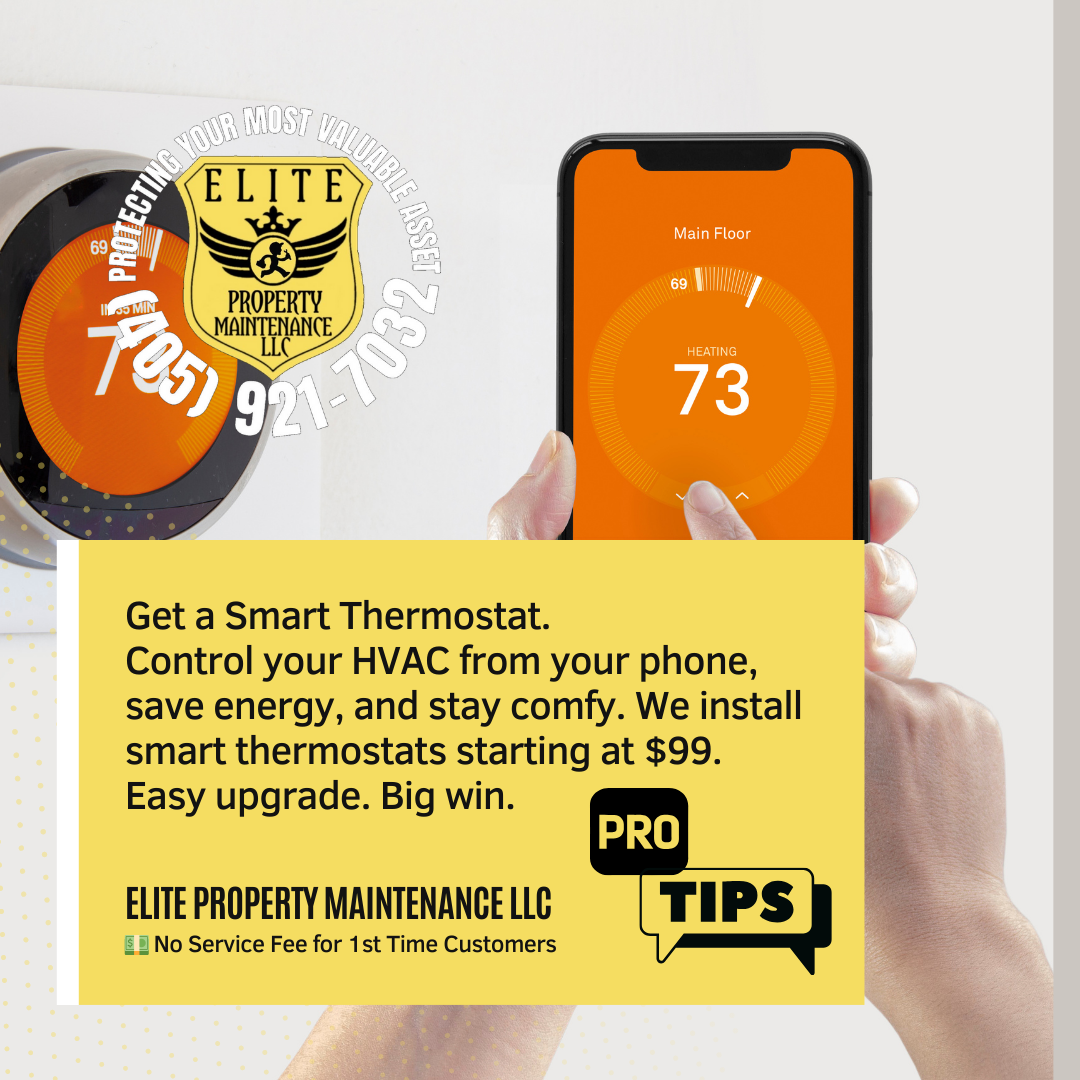
Before you buy
- Know your system (AC + gas, heat pump, dual-fuel)
- Check for a C-wire (power)
- Make sure Wi-Fi is strong
Best features
- Schedules & geofencing
- App alerts & reminders
- Energy reports
Great timing
- With a tune-up
- After filter changes
- Before summer/winter
Want pro setup without the guesswork?
1) Will a smart thermostat work with my system?
Most OKC homes are fine. We check three things:
- System type: AC + gas furnace, heat pump, or dual-fuel
- Stages: 1-stage or multi-stage
- Power: C-wire present or adapter needed
Have a heat pump? You’ll choose O/B (reversing valve) and set aux heat rules. We do this for you.
2) Do I need a C-wire?
A C-wire gives steady power. Many smart stats require it. Options if you don’t have one:
- Add a power extender kit (adapter)
- Use spare conductors in the wall cable
- Run a new wire (best, cleanest)
We’ll test voltage, label wires, and pick the safest option for your system.
3) Features that save the most
Real savings come from habits the stat can automate:
- Schedules: set it and forget it
- Geofencing: away mode when you leave
- Reminders: filter & tune-up alerts
- Lockouts: heat-pump aux heat rules
4) Heat pump & dual-fuel tips
Set it right and save:
- Choose correct O/B setting (reversing valve)
- Set a balance point (when gas takes over)
- Stage delays so strips don’t run too soon
These settings are the difference between low bills and surprise high ones.
5) DIY vs pro install
Handy? You may handle simple systems. Call a pro for:
- No C-wire path or new wire needed
- Heat pump, dual-fuel, or multi-stage
- Old mercury stats or unclear wiring
6) Placement & Wi-Fi
Keep the stat honest:
- Away from direct sun, ovens, and vents
- Strong 2.4GHz Wi-Fi where it’s mounted
- Use access points if the signal is weak
7) Common mistakes to avoid
- Wrong heat-pump O/B setting
- Skipping C-wire when the brand requires it
- Forgetting to set schedules
- Ignoring filter reminders
FAQ — quick answers
Do smart thermostats really save money?
Yes. The big win is smarter schedules and away modes. Your system runs less when no one’s home.
Will it work if my Wi-Fi goes out?
It still heats and cools. You just lose app control and reports until Wi-Fi returns.
Can I install it myself?
Maybe. If wiring is simple and you have a C-wire. Complex systems? We recommend pro install.
Does it work with mini-splits?
Often no. Many mini-splits use their own controls. Some need special adapters—ask us first.
Can I lock settings for kids/guests?
Yes. Most apps have pins or range limits so temps don’t swing.